DIGITAL INVENTORY
Animalia Business's digital inventory is built specifically for veterinary practices and clinics, offering a modern solution tailored to veterinary workflows.
Items
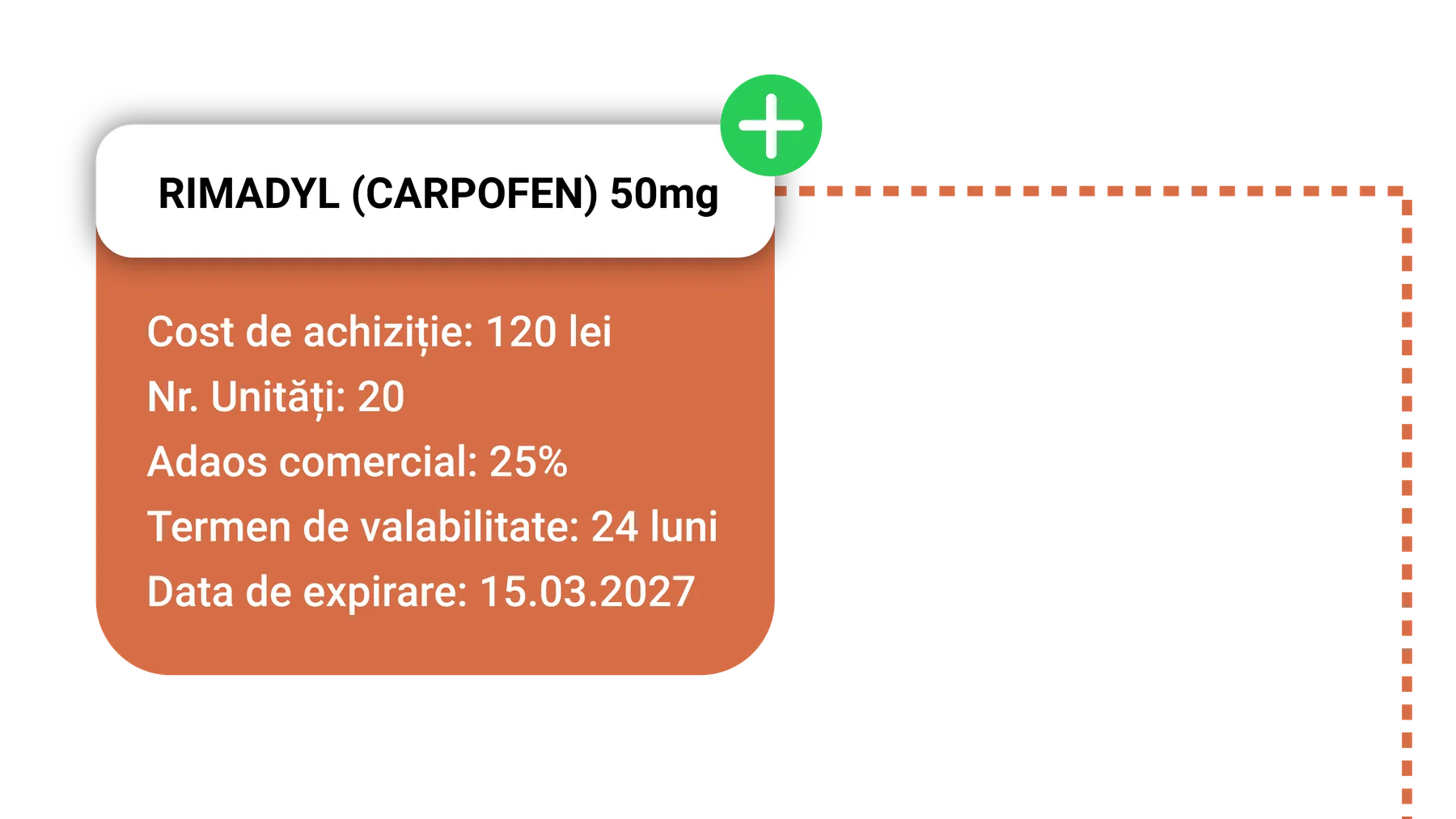
Every item is fully configurable and can be customised to suit your business needs. You have complete control over all the relevant details, from identification, classification and pricing to expiry data, traceability, suppliers and product-specific characteristics.
Inventory Management
In your digital inventory you can adjust each product's stock manually, but you can also schedule supply orders that automatically update the inventory once they're marked as successfully completed.
Service Linking
Another method of automatic adjustment is linking items to one or more services and defining the quantity used by each individual service.
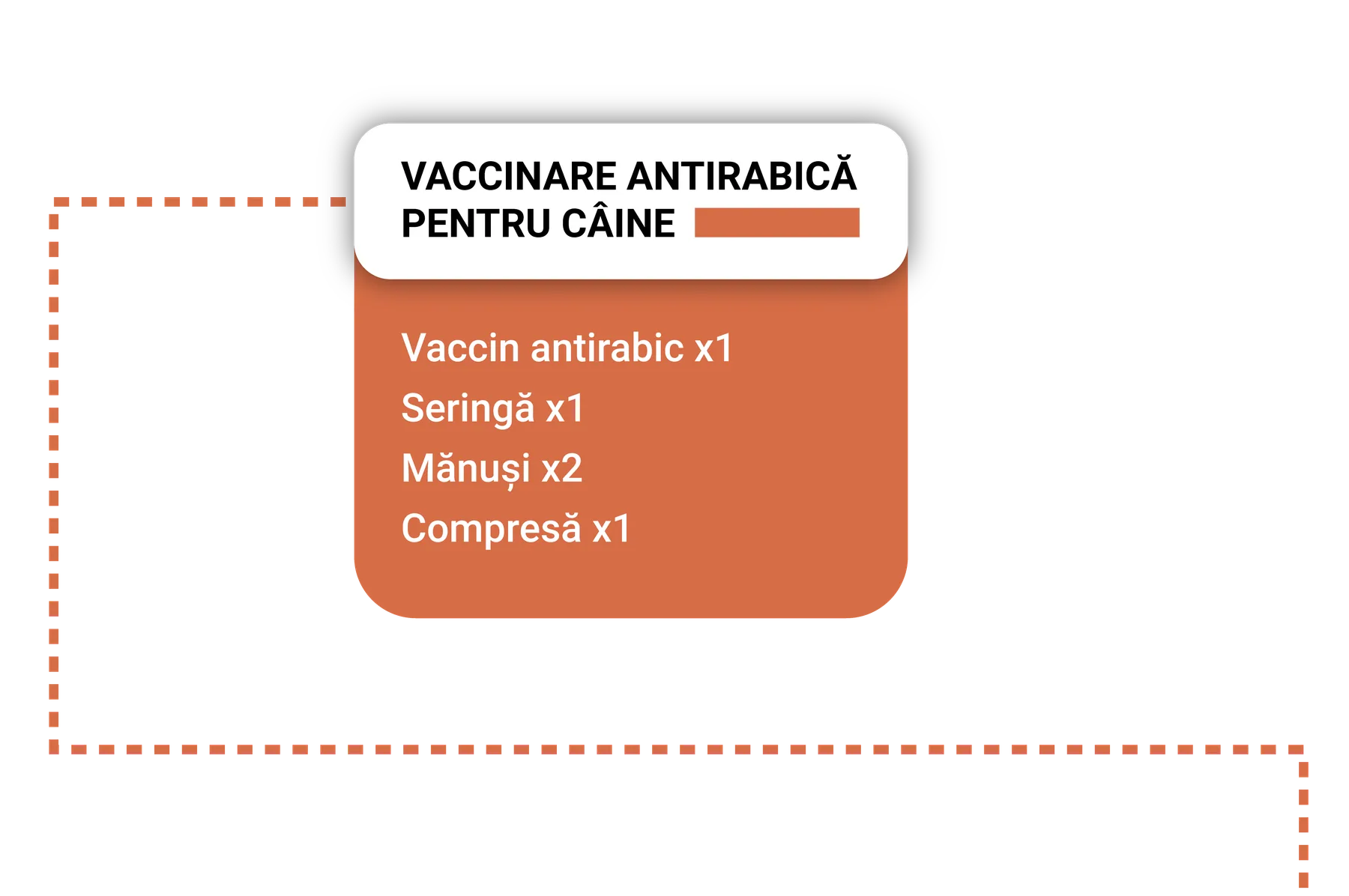
Automatic Deduction
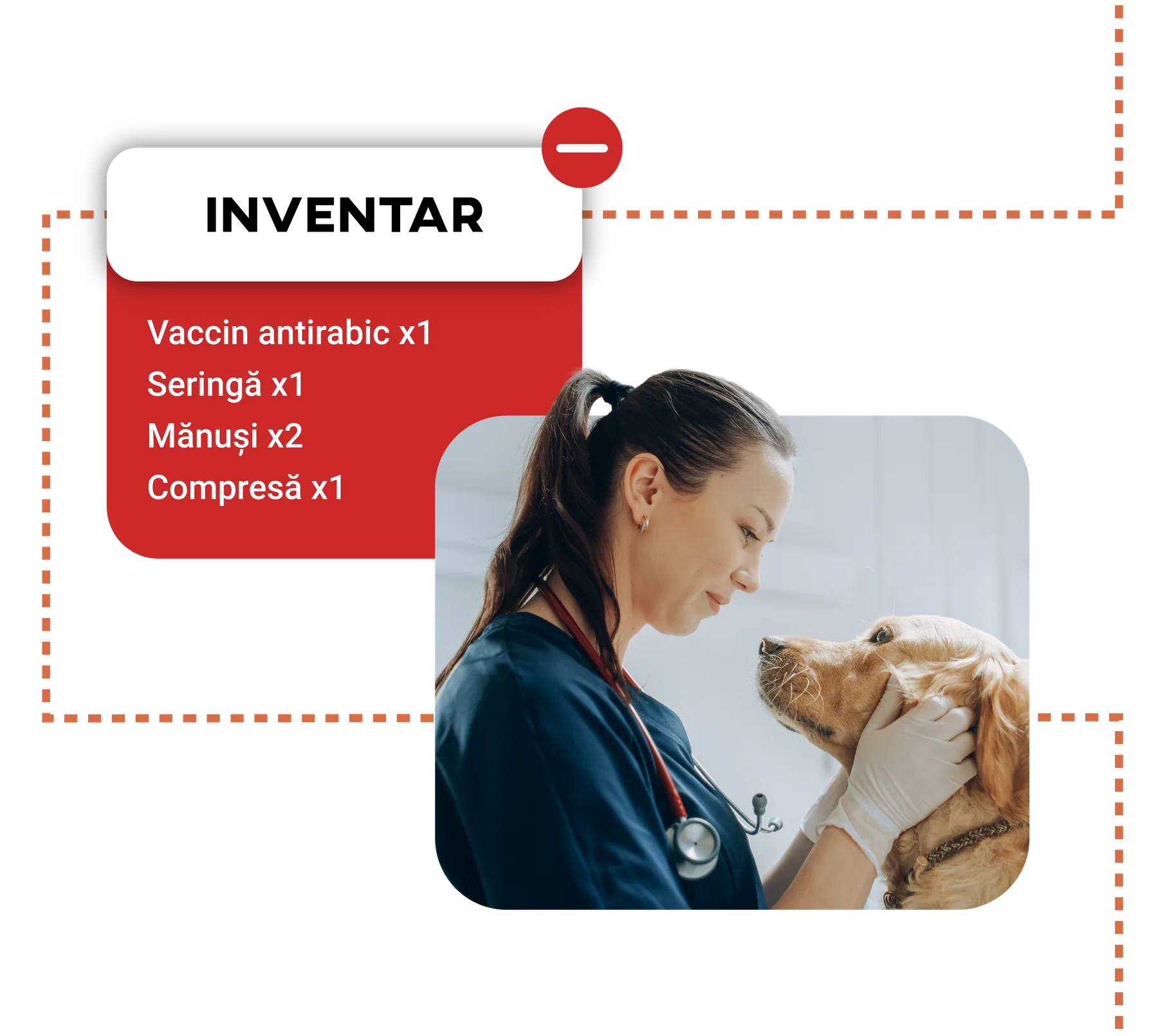
Once a service is completed in your schedule, the system automatically deducts the items linked to that service from the inventory. Stock levels are updated automatically, giving you an almost real-time overview of your digital inventory.
Reminders
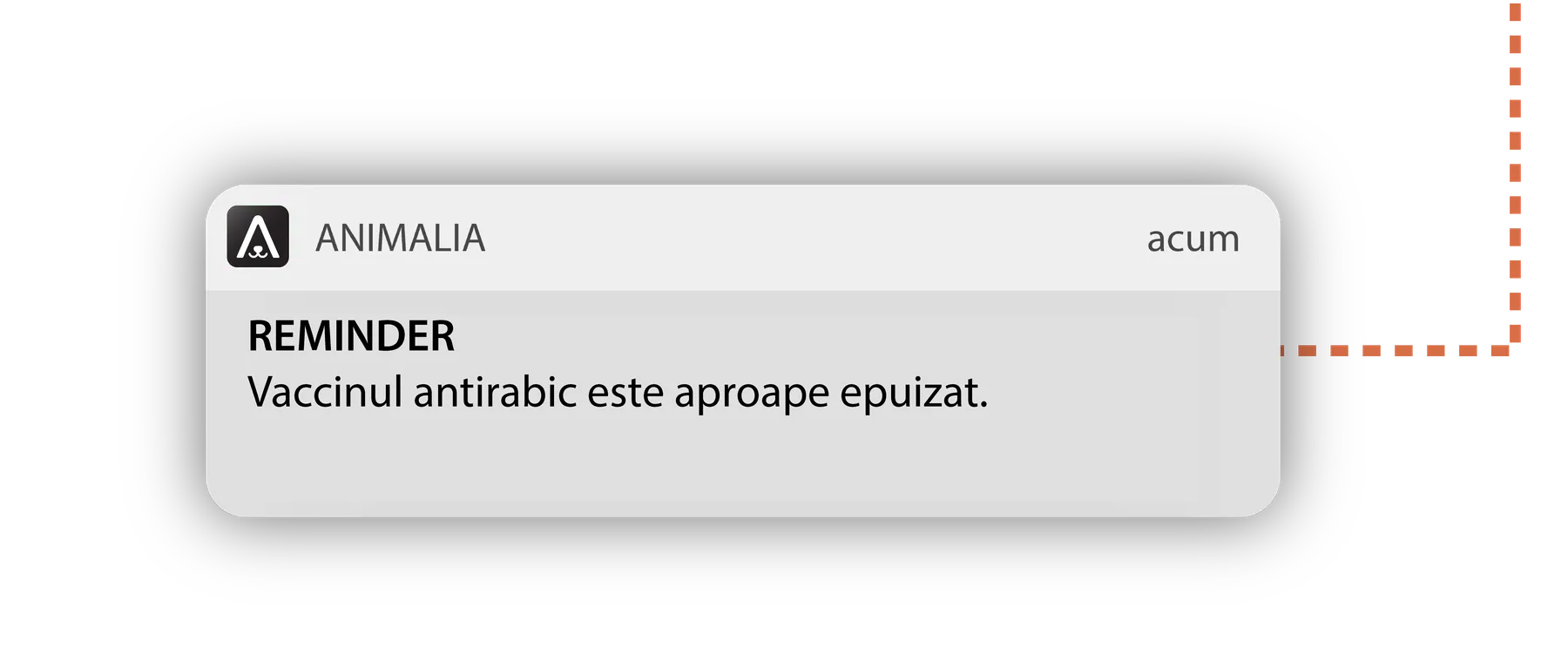
You can enable reminders that automatically notify you when an item's unit count drops below the thresholds you set. That way you receive early alerts and can act in time to avoid running out of stock.
Benefits
Animalia Business's digital inventory gives you an almost real-time overview of your stock, with the ability to update automatically through configurable systems.